
When an Odoo implementation underperforms, the cause is rarely the software itself. More often, employees are unsure which process to follow, enter incomplete data, or return to spreadsheets and informal approvals. Knowing how to train Odoo users is therefore not a final project task. It is a practical adoption strategy that protects the value of your ERP investment.
For growing businesses, user training must connect the system to daily work: approving purchase orders, issuing invoices, receiving inventory, managing employee requests, or reviewing management reports. A generic software demonstration may create initial awareness, but it will not build the confidence needed for consistent use. Effective training helps every department understand what to do, why the process matters, and how their actions affect the wider business.
Start Odoo Training With Roles, Not Modules
A common mistake is training everyone on every Odoo application. Finance employees do not need the same level of detail as warehouse staff, sales teams, or department managers. Broad training overloads users with screens and features they may never use, while leaving too little time for the workflows that matter most.
Build training around roles and responsibilities. A sales representative should learn how to create quotations, convert them to sales orders, follow customer activity, and understand which fields affect invoicing. A warehouse employee should focus on receipts, transfers, picking, stock counts, and exception handling. Finance users need clear instruction on invoice validation, payment reconciliation, taxes, approvals, and period-end controls.
Managers need a different experience again. Their training should focus less on transaction entry and more on approvals, dashboards, performance reports, and the actions required when exceptions appear. This role-based approach reduces training time while making each session immediately relevant.
Before sessions begin, define what each user group must be able to complete independently. Avoid vague goals such as “understand inventory.” Set practical outcomes, such as “receive a supplier delivery, identify a quantity variance, and submit it for review.” These outcomes provide a clear standard for readiness.
How to Train Odoo Users Around Real Workflows
The strongest training materials reflect your own configured Odoo environment. Users should see their actual product categories, approval rules, chart of accounts, warehouses, sales stages, and document layouts whenever possible. Training on a generic database can explain navigation, but it often fails to prepare staff for the decisions they will face after go-live.
Map each session to an end-to-end business scenario. For example, a purchasing session can follow a request from internal demand through supplier quotation, purchase order approval, goods receipt, vendor bill, and payment. This helps employees see that their work is not an isolated data-entry task. It contributes to inventory availability, cost control, financial accuracy, and supplier performance.
Use realistic examples, including exceptions. Employees need to know what to do when a customer requests a partial delivery, a supplier changes a price, a product arrives damaged, or an invoice does not match a purchase order. These are the situations that determine whether users rely on the system or bypass it.
Training should also explain the business reason behind required fields and approval steps. If a team sees a mandatory analytic account as unnecessary administration, compliance will drop. If they understand that it supports project profitability or departmental cost reporting, they are more likely to enter it correctly.
Use a Practical Training Sequence
Odoo adoption improves when training follows the pace of implementation rather than being delivered as a single event near go-live. Employees retain more when they can practice, receive feedback, and return to the process as it becomes part of their routine.
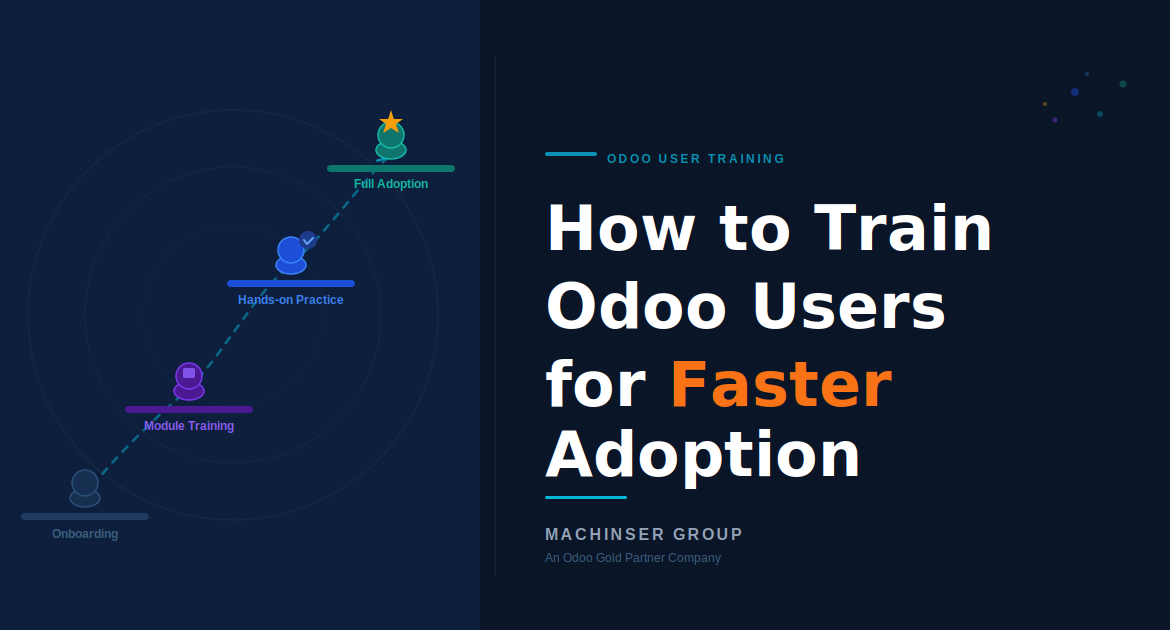
A practical sequence usually includes these stages:
- Awareness sessions introduce the business goals, scope, major process changes, and expected benefits for each department.
- Role-based process training teaches users the steps they will perform, using relevant scenarios and controlled examples.
- Hands-on practice gives employees access to a training environment where they can create transactions without affecting live operations.
- Readiness checks confirm that users can complete critical tasks correctly before go-live.
- Post-go-live support addresses real questions quickly as users begin working with live records and live deadlines.
The balance between classroom training and hands-on practice depends on the role. Senior managers may need short, focused sessions followed by guided dashboard reviews. Operational users usually need more repetition and supervised practice, particularly when transactions affect inventory, payroll, financial postings, or customer commitments.
Create Training Materials People Will Actually Use
Long system manuals often sit unread after launch. Employees need concise resources designed for the moment they are performing a task. A one-page process guide for creating a purchase order can be more useful than a 70-page reference document.
Prepare simple work instructions for high-frequency and high-risk processes. These should include the purpose of the task, the steps to follow, the checks required before submission, and the person to contact if something goes wrong. Screenshots can help, but they should support the instruction rather than replace it. Odoo configurations change over time, and outdated screenshots can cause confusion.
Short recorded demonstrations are valuable for processes that users perform infrequently, such as month-end actions, annual inventory adjustments, or specific approval workflows. Organize materials by department and process, not by technical menu names. A user searching for “create customer invoice” should not need to know which module contains the feature.
For multilingual teams in Saudi Arabia and the Gulf region, consider whether selected guides or live sessions should also be available in Arabic. The right choice depends on your workforce and the language used in daily operations. What matters is clarity: users should not struggle to interpret a process that affects compliance, cash flow, or customer service.
Choose Department Champions Carefully
A department champion is not simply the most senior person in the team. The best champions understand the daily workflow, communicate well with colleagues, and are willing to raise issues early. They become the first line of support after go-live and provide valuable feedback on whether the configured process works in practice.
Train champions ahead of general users and give them extra exposure to common errors, approval logic, and reporting requirements. They do not need to become Odoo developers. They do need enough confidence to distinguish between a training question, a process issue, and a genuine system problem.
This model also reduces dependency on one administrator or external consultant. However, avoid expecting champions to carry the entire support burden alongside a full operational workload. Assign clear support responsibilities and ensure they have access to escalation channels when an issue requires technical attention.
Measure Adoption Beyond Attendance
A signed attendance sheet does not prove that training worked. Measure adoption through behavior and data quality after users begin working in Odoo. Look for incomplete records, delayed approvals, duplicate customers or products, inventory adjustments, overdue transactions, and recurring support requests. These signals show where users need additional guidance or where the process itself may need refinement.
Review performance by department during the first weeks after go-live. If sales teams are creating quotations but not consistently updating opportunities, the issue may be unclear expectations rather than a lack of system knowledge. If warehouse transactions are delayed, employees may need additional practice with scanners, locations, or exception procedures.
Use this feedback to deliver targeted refresher sessions. Short coaching sessions focused on a single recurring problem are usually more effective than repeating the full training program. They also show employees that the business is committed to making Odoo work for them, not simply enforcing a new tool.
Make Training Part of Ongoing ERP Governance
Odoo evolves as your business evolves. New employees join, approval policies change, products expand, and new apps may be introduced. Training should therefore be included in onboarding, process change management, and periodic operational reviews.
Maintain ownership of training content so it can be updated when workflows change. When a customization is introduced, provide focused guidance before users encounter it in production. When reports become central to management decisions, train leaders to interpret them consistently rather than relying on separate spreadsheet versions.
An experienced implementation partner can help structure role-based training, prepare business-specific materials, and provide post-go-live support. Machinser helps businesses turn Odoo training into a controlled adoption program aligned with real operating processes, not a one-time software presentation.
The most useful next step is to identify the five to ten transactions that keep your business moving every day. Train those processes first, test users in realistic scenarios, and reinforce them after go-live. Confidence in those daily actions is where lasting ERP adoption begins.