
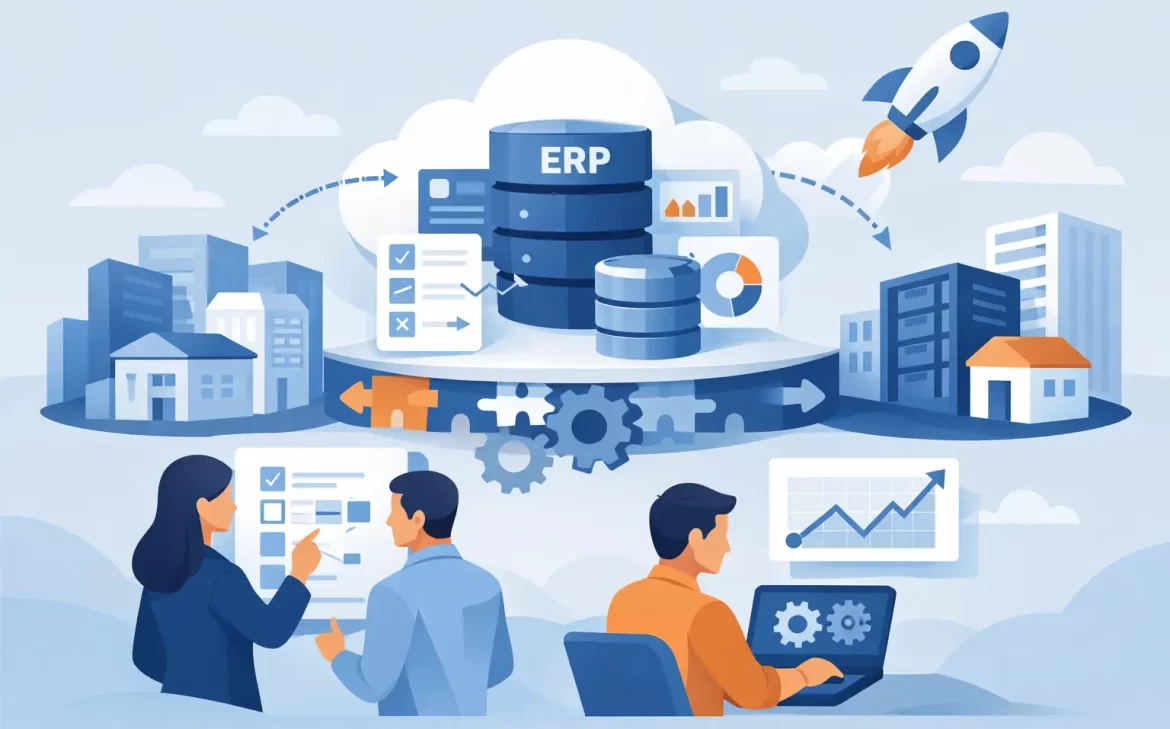
An ERP migration rarely fails because of software alone. It usually breaks down earlier – when old data is inaccurate, processes are undocumented, timelines are unrealistic, or teams are not aligned on what the new system must actually do. That is why knowing how to prepare for ERP migration matters as much as the migration itself.
For growing companies, especially those moving away from spreadsheets, disconnected tools, or an aging legacy ERP, preparation is where cost control and business continuity are won. A well-prepared project shortens implementation time, reduces rework, and gives leadership clearer visibility into budget, scope, and expected return.
Why preparation shapes the outcome
ERP migration affects finance, operations, inventory, purchasing, sales, HR, and reporting at the same time. When one area is poorly prepared, the impact spreads quickly. A missing data field can delay invoicing. An unclear approval process can stall purchasing. A weak testing plan can disrupt month-end closing.
This is why migration should not be treated as a simple data transfer. It is a business change project with technical, operational, and organizational consequences. Companies that prepare properly are better positioned to improve workflows instead of recreating old inefficiencies in a new system.
How to prepare for ERP migration before the project starts
The strongest ERP projects begin with business clarity. Before discussing modules, integrations, or custom development, leadership should agree on the reason for the move. That reason may be better reporting, tighter inventory control, faster order processing, improved compliance, or support for expansion into new branches or markets. If the objective is vague, the project will likely expand in too many directions.
Start by defining what success looks like in measurable terms. That could mean reducing manual data entry, shortening financial close cycles, improving stock accuracy, or giving managers real-time dashboards. Measurable goals help teams make better decisions when trade-offs appear, and they will.
No ERP migration is free from compromise. Some businesses want a fast go-live and heavy customization at the same time. Others want low cost, broad functionality, and minimal internal involvement. In practice, every project balances speed, budget, customization, and change readiness. Being honest about priorities early prevents frustration later.
Audit your current processes
Many businesses underestimate how much confusion exists inside their current workflows until migration begins. Different departments may follow different versions of the same process. Approvals may happen informally. Reports may depend on one employee who manually combines data every week.
Document how work happens today in the areas that matter most – sales, purchasing, accounting, inventory, production, service, and approvals. Then identify where the real problems are. Some steps may exist for a valid compliance reason. Others may only be workarounds created because the old system could not support the business properly.
This step is critical because not every current process should be carried forward. Migration is a chance to simplify. If a process adds no value, automating it inside a new ERP only makes the inefficiency more permanent.
Clean your data before moving it
Data quality is one of the biggest risks in any migration. If product records are duplicated, customer balances are wrong, vendor names are inconsistent, or units of measure are mismatched, the new ERP will expose those problems immediately.
Review your master data carefully. That includes customers, vendors, products, chart of accounts, bills of materials, price lists, tax rules, and employee records if relevant. Remove duplicates, standardize naming conventions, archive obsolete records, and validate critical fields.
Historical data requires a business decision, not just a technical one. Some companies need several years of transactional history inside the new system. Others only need opening balances, active records, and limited reference data. Migrating everything may feel safer, but it can increase complexity, cost, and testing effort. The right choice depends on reporting needs, compliance requirements, and how often older records are actually used.
Build the right project team
An ERP migration cannot be delegated entirely to IT or an external partner. Internal ownership is essential. The project needs an executive sponsor with authority to make decisions, a project lead who can coordinate across departments, and key users from each function who understand day-to-day operations.
These internal stakeholders should not be selected based only on job title. The best key users are people who know the details, can identify practical issues early, and have enough credibility to support adoption within their teams.
Time allocation also matters. One common mistake is assigning important users to the project while expecting them to maintain a full operational workload. That usually creates delays, rushed decisions, and weak testing. If migration is a strategic priority, the business must create real capacity for the people leading it.
Choose a realistic scope
A successful first phase is better than an overloaded project that misses deadlines and strains the business. This is especially true for small and mid-sized companies that need quick operational improvement without taking on unnecessary risk.
Define which modules, entities, branches, reports, and integrations are required for go-live and which can wait. Separate must-haves from preferences. For example, financials, sales, purchasing, inventory, and core reporting may be essential on day one, while advanced analytics, secondary automations, or noncritical customizations can be phased later.
A phased approach is not a sign of reduced ambition. It is often a smarter way to protect continuity while still moving the business forward.
Plan integrations and customizations carefully
Most ERP migrations involve more than the ERP itself. There may be links to e-commerce platforms, payroll systems, banking tools, production equipment, logistics providers, or CRM applications. Every integration increases project dependency and testing requirements.
Map these connections early. Identify what data moves between systems, how often it moves, who owns each source, and what happens if the sync fails. Integration gaps discovered late are a common cause of go-live delays.
Customization deserves equal caution. Tailored functionality can improve fit, especially for industry-specific processes, but too much customization can raise cost, extend timelines, and make future upgrades harder. The better question is not “Can this be customized?” but “Should it be?”
In many cases, adjusting a process to match standard ERP functionality creates better long-term value than rebuilding every legacy exception. A strong implementation partner will challenge unnecessary customization, not encourage it.
Prepare users early, not at the end
User adoption is often treated as a final-stage training issue. That is too late. Teams need to understand what is changing, why it is changing, and how it will affect their daily work well before go-live.
Begin communication early with department leaders and operational users. Explain the project goals in business terms, not software terms. Show how the new system will reduce manual work, improve accuracy, or speed up approvals. When users only hear about migration through occasional project updates, resistance grows quietly.
Training should also be role-based. Finance users need different scenarios than warehouse staff or sales teams. Generic demos do not prepare employees for real transactions. Effective training uses actual business cases, real data samples, and the workflows users will perform after launch.
Test the future state, not just the setup
Testing should confirm whether the business can operate normally in the new ERP, not just whether screens and fields exist. Run end-to-end scenarios such as creating a quotation, converting it to a sales order, shipping goods, generating an invoice, receiving payment, and posting financial entries.
Include exception cases as well. Test returns, partial deliveries, approval escalations, credit limits, tax handling, and reporting periods. A process that works only under ideal conditions is not ready for production.
Cutover planning is another area that deserves more attention than it usually gets. Define the exact steps for final data extraction, validation, loading, user access, and rollback decisions if needed. The more specific the cutover plan, the lower the go-live risk.
Set expectations for the first 90 days
Even well-prepared ERP migrations need adjustment after launch. Reports may need refinement. Permissions may need correction. Some users will need extra support. That does not mean the migration failed. It means the business is moving from design into live operational use.
What matters is having a post-go-live support plan with clear ownership, issue prioritization, and response times. Leaders should monitor operational stability, user adoption, and the metrics defined at the start of the project. If stock accuracy improves but invoicing slows down, that trade-off needs fast attention.
For companies evaluating how to prepare for ERP migration, the most practical mindset is this: preparation is not a paperwork exercise. It is the stage where you reduce cost, control risk, and shape a system that supports growth instead of limiting it. With the right scope, clean data, engaged users, and disciplined planning, migration becomes a business improvement project rather than a technical disruption.
If your business is preparing for an ERP move, the smartest next step is not rushing into configuration. It is making sure the foundation is strong enough to support the change you expect the system to deliver.