
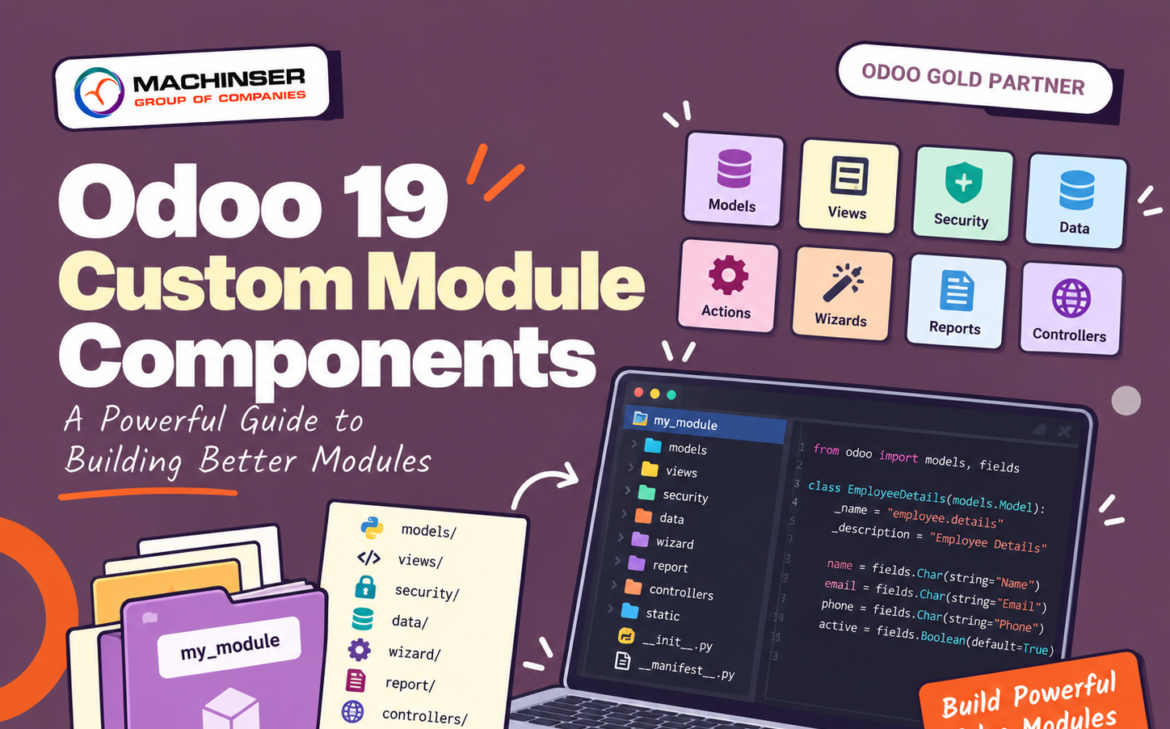
Once the basic structure of an Odoo 19 custom module is understood, the next step is to understand what each component actually does. A custom module is not simply a collection of Python and XML files. Different components are responsible for different parts of the application.
Models define data and business logic.
Views define how users interact with that data.
Security controls who can access it.
Data files provide predefined records and configuration.
Actions and menus connect the functionality to the Odoo interface.
Controllers, wizards, reports, and frontend assets can be added when the module requires more advanced functionality.
This separation allows an Odoo 19 custom module to remain organized and maintainable as its functionality grows.
1. Models: The Core of the Business Logic
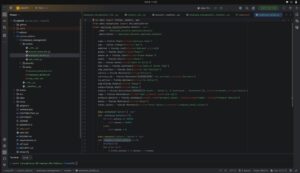
The models directory contains the Python code responsible for defining or extending Odoo models. Models can contain fields, business logic, computed values, constraints, onchange methods, automated operations, model inheritance, and relationships between records.
from odoo import models, fields

class EmployeeDetails(models.Model):
    _name = "employee.details"
    _description = "Employee Details"

    name = fields.Char(string="Employee Name")
    email = fields.Char(string="Email")
    phone = fields.Char(string="Phone")
    active = fields.Boolean(default=True)
The _name attribute defines the technical name of the model. The fields define the information that the model stores. Methods inside the model contain the business rules that determine how the application behaves.
2. Common Field Types
Odoo provides many field types for representing different kinds of business data.
| Field | Typical use |
| Char | Short text |
| Text | Long text |
| Integer | Whole numbers |
| Float | Decimal values |
| Boolean | True/False values |
| Date | Dates |
| Datetime | Date and time |
| Selection | Fixed list of choices |
| Many2one | Link to one record |
| One2many | Multiple related records |
| Many2many | Multiple records on both sides |
| Monetary | Currency values |
| Binary | Files or binary data |
department_id = fields.Many2one(
    "hr.department",
    string="Department"
)

joining_date = fields.Date(
    string="Joining Date"
)

salary = fields.Float(
    string="Salary"
)
Choosing the appropriate field type is important because it affects how the data is stored, displayed, searched, and related to other records.
3. Model Relationships
Real business applications rarely consist of completely independent records. Odoo provides relational fields to connect models.
Many2one
A record belongs to one related record.
department_id = fields.Many2one(
    "hr.department"
)
For example, many employees can belong to the same department.
One2many
A One2many field represents multiple related records from the other side of a relationship.
employee_ids = fields.One2many(
    "employee.details",
    "department_id"
)
Many2many
A Many2many field allows records to be related to multiple records on both sides of a relationship.
sskill_ids = fields.Many2many(
    "employee.skill"
)
These relationships are fundamental when designing custom business applications in Odoo.
4. Business Logic in Models
Models are not only used to define fields. They can also contain methods that implement business rules.
def action_confirm(self):
    for record in self:
        record.state = "confirmed"
A method can be triggered by buttons, automated processes, scheduled actions, other model methods, controllers, and user interactions. This is where much of an application’s business behavior is implemented.
5. Model Inheritance
One of Odoo’s most useful development features is model inheritance. Instead of creating a completely new model, a custom module can extend an existing Odoo model.
from odoo import models, fields

class SaleOrder(models.Model):
    _inherit = "sale.order"

    customer_reference = fields.Char(
        string="Customer Reference"
    )
This adds a new field to the existing Sales Order model. The original Odoo model does not need to be copied or rewritten. This approach is useful when implementing customer-specific requirements.
6. Views: Connecting Data to the User Interface
Models define the data, but users need an interface to work with that data. This is the role of views. Odoo views are generally defined using XML.
Form
List
Kanban
Search
Calendar
Graph
Pivot
Activity
The view determines how the fields are presented to the user.
7. Form Views
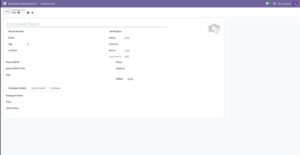
A form view is used to create and edit individual records. Typical examples include customer forms, employee forms, sales orders, purchase orders, and products.
<sheet>
<group>
<field name=”name”/>
<field name=”email”/>
</group>
</sheet>
A form can organize fields using group, sheet, notebook, page, and header elements.
8. List Views
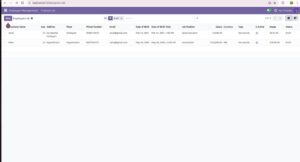
List views display multiple records at the same time. They are useful for searching records, sorting records, selecting records, and performing bulk operations.
<list>
<field name=”name”/>
<field name=”email”/>
<field name=”phone”/>
</list>
9. Search Views
Search views control the available search fields, filters, and grouping options.
<search>
    <field name="name"/>

    <filter
        name="active"
        string="Active"
        domain="[('active', '=', True)]"
    />
</search>
Search views can provide search fields, filters, group-by options, and predefined search conditions. For modules containing many records, a good search view can significantly improve usability.
10. Actions and Menus
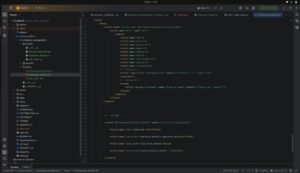
Views alone do not determine how users navigate to a feature. An action connects a model with a user interface.
<record id="employee_details_action"
        model="ir.actions.act_window">

    <field name="name">Employees</field>

    <field name="res_model">
        employee.details
    </field>

    <field name="view_mode">
        list,form
    </field>

</record>
A menu can then trigger the action:
<menuitem
    id="employee_menu"
    name="Employees"
    action="employee_details_action"
/>
The basic relationship is Menu to Action to View to Model.
11. Security and Access Rights
Security is an important part of every business application. Odoo uses access control mechanisms to determine what users can do with a model.
A common module file is:
security/
└── ir.model.access.csv
Access records can control Read, Write, Create, and Delete permissions.
id,name,model_id:id,group_id:id,perm_read,perm_write,perm_create,perm_unlink
access_employee,employee access,model_employee_details,base.group_user,1,1,1,1
The four permission columns determine whether users in the specified group can perform each operation.
12. Groups and More Granular Security
Access control can be assigned to specific user groups. For example, an application might have Employee User, Employee Manager, HR Manager, and Administrator groups.
Different groups can receive different permissions. For more advanced requirements, Odoo also provides record rules that can restrict which records a user can access.
This creates an important distinction:
Access rights: What operations can the user perform?
Record rules: Which records can the user perform those operations on?
For example, a salesperson might be allowed to read customers but only access customers belonging to their assigned sales team.
13. Data Files
Custom modules often need predefined records. These can be loaded through XML or CSV files.
Sequences
Configuration records
Default settings
Email templates
Scheduled actions
Predefined groups
Initial records
Data files are especially useful when a module requires certain records to exist immediately after installation.
14. Wizards
Wizards are used for temporary user interactions. They are commonly implemented using TransientModel.
For example, a wizard could allow a user to select a date range, select a customer, choose a report type, and then generate a report.
wizard/
├── __init__.py
└── employee_report_wizard.py
Unlike normal business models, wizard records are temporary and are intended for short-lived operations.
15. Reports
Custom modules can also contain reports. Odoo supports report generation using its reporting framework and QWeb templates.
Invoices
Quotations
Delivery documents
Employee documents
Certificates
Business reports
A report generally combines Odoo data, a report action, and a QWeb template to produce the final document.
16. Controllers
Controllers are used when a module needs to handle HTTP requests. They can be useful for website functionality, custom web pages, external integrations, APIs, and receiving external requests.
A custom integration can follow a simple flow from an external system to an HTTP request, then to an Odoo controller, business logic, and an Odoo model.
Controllers should be used carefully, especially when exposing business data through external endpoints.
17. Static Assets
A module can also contain frontend resources such as JavaScript, CSS, XML templates, images, and module icons.
static/
├── src/
│ ├── js/
│ ├── css/
│ └── xml/
└── description/
These resources are useful for modules that modify the Odoo web client or website.
18. How the Components Work Together
The components of an Odoo 19 custom module are connected rather than independent.
User
↓
Menu
↓
Action
↓
View
↓
Model
↓
Business Logic
↓
Database
Security works across this flow by determining what the current user is allowed to do. Reports, automation, controllers, and frontend assets can extend the same basic structure.
19. Choosing the Right Component
| Requirement | Usually handled by |
| Store new information | Model + Fields |
| Add a field to an existing Odoo model | Model inheritance |
| Change how information appears | XML View |
| Add a new menu | Menu + Action |
| Restrict user operations | Access Rights |
| Restrict records by conditions | Record Rules |
| Add predefined records | Data files |
| Temporary user input | Wizard |
| Printable document | Report |
| External HTTP endpoint | Controller |
| Change web-client behavior | JavaScript / Assets |
| Add custom styling | CSS / Assets |
20. A Good Custom Module Design
A well-designed module keeps responsibilities separated. For example:
employee_management/
│
├── models/
│ ├── employee.py
│ └── department.py
│
├── views/
│ ├── employee_views.xml
│ └── department_views.xml
│
├── security/
│ ├── ir.model.access.csv
│ └── security.xml
│
├── data/
│ └── sequence.xml
│
├── wizard/
│ └── employee_report.py
│
├── report/
│ └── employee_report.xml
│
└── static/
└── src/
Not every module needs all these directories. They should be added only when the functionality requires them.
21. Common Development Considerations
Keep business logic in Python
Avoid putting complex business logic directly into views.
Keep views focused on presentation
XML should primarily control how information is displayed and interacted with.
Apply security deliberately
Do not give every user full read, write, create, and delete access simply because it makes development easier.
Avoid unnecessary inheritance
Extend an existing model when the requirement genuinely belongs to that model.
Keep modules focused
A module should have a clear business purpose instead of becoming a collection of unrelated customizations.
Conclusion
An Odoo 19 custom module is built from several specialized components rather than a single type of code. The most important development concepts are models for data and business logic, fields for data representation, inheritance for extending existing functionality, views for the user interface, actions and menus for navigation, security for access control, data files for predefined records and configuration, wizards for temporary workflows, reports for business documents, and controllers and assets for web and frontend functionality.
Understanding how these components interact is more important than memorizing folder names. Once the responsibility of each component is clear, custom requirements can be mapped to the appropriate Odoo development mechanism.
This gives developers a practical foundation for building clean, maintainable Odoo 19 custom modules without unnecessarily modifying Odoo’s standard source code.
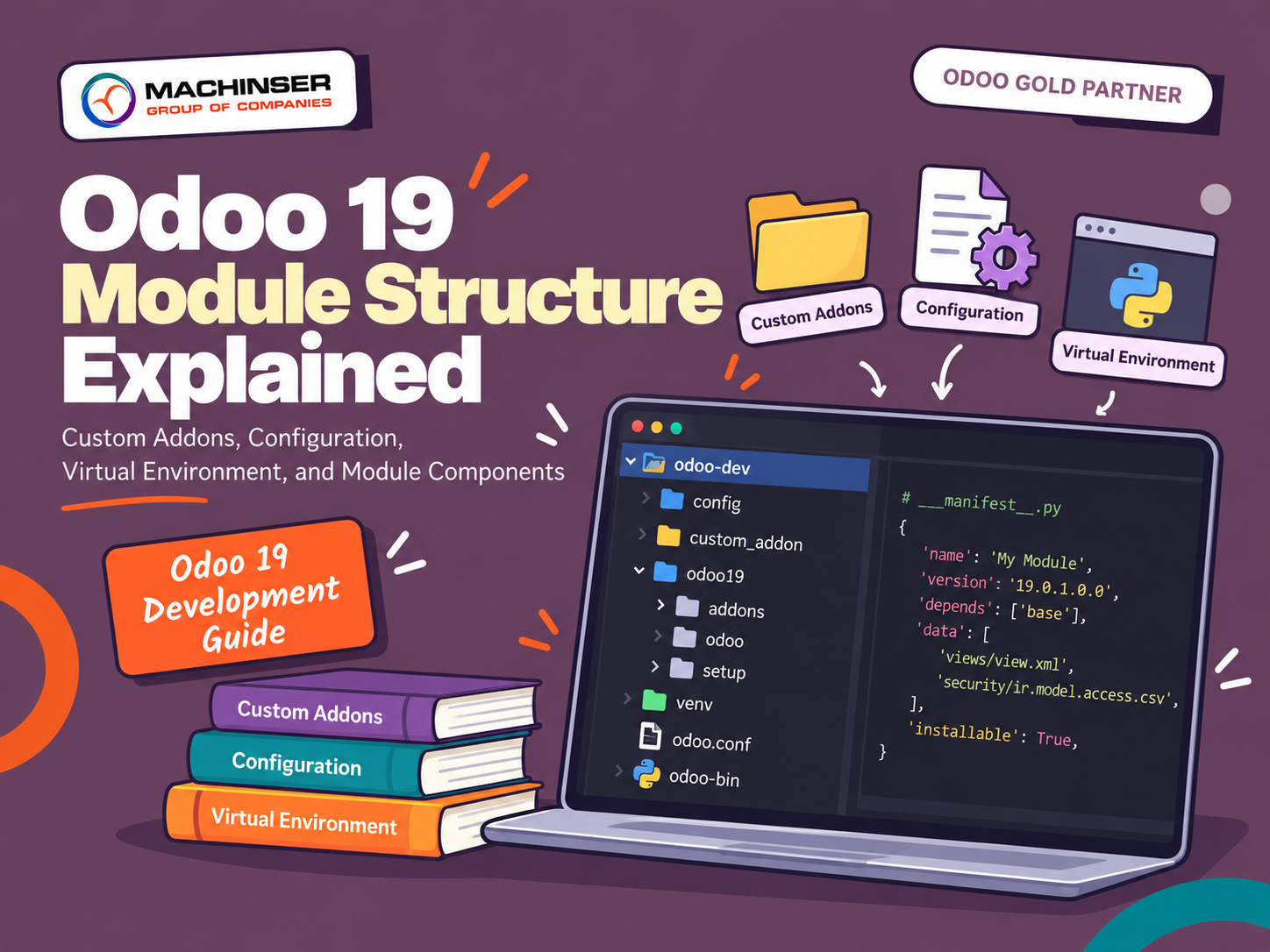
To learn more about setting up your module directory and manifest file, read our complete guide on Odoo 19 Module Structure: Developer’s Handbook.