

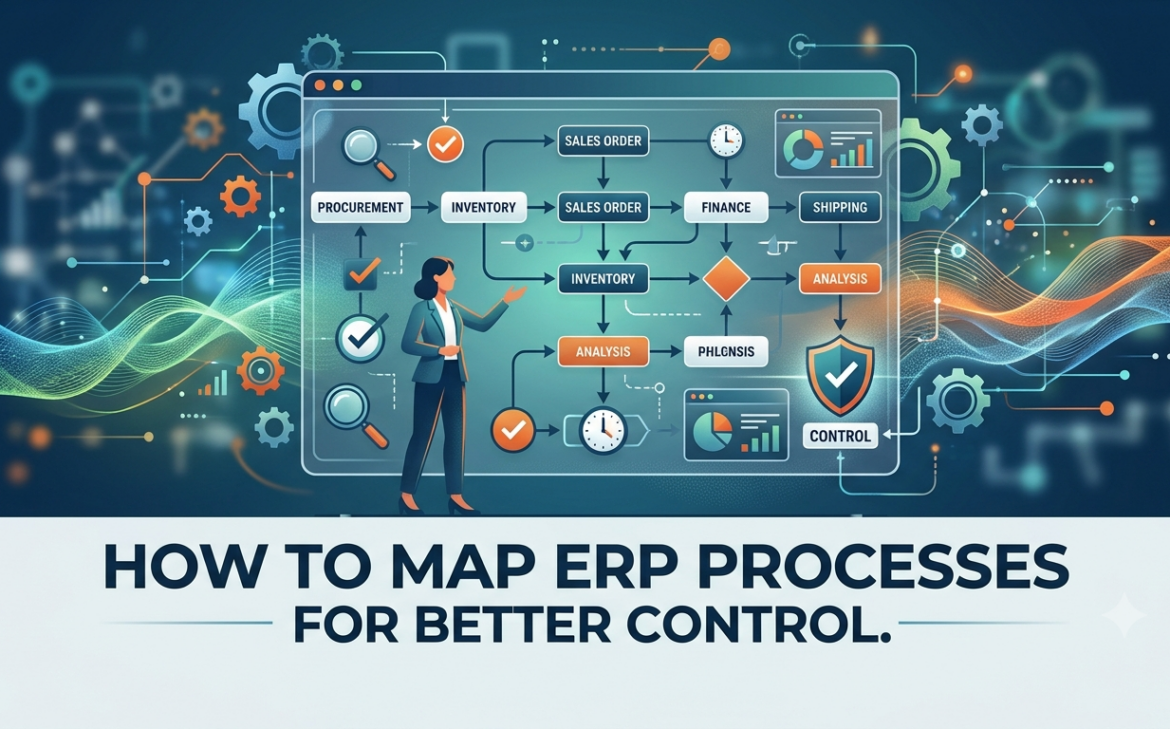
A delayed customer order, an invoice waiting for approval, and inventory that does not match the warehouse count are rarely isolated problems. They usually point to a process that crosses departments without clear ownership, accurate data, or defined handoffs. Learning how to map ERP processes gives leadership a factual view of how work actually moves through the business before technology is configured to support it.
For growing businesses, process mapping is not an academic exercise. It is the point where operational assumptions become visible. It helps you decide which workflows should be standardized, which require approvals, and where ERP automation will deliver measurable value.
Why ERP Process Mapping Comes Before Configuration
An ERP system can centralize finance, sales, purchasing, inventory, HR, manufacturing, and customer operations. But it cannot correct unclear responsibilities or inconsistent decisions on its own. If a team uses spreadsheets, email, phone calls, and informal approvals to complete a transaction today, simply transferring that confusion into ERP software creates a more expensive version of the same problem.
A process map establishes the current state of each important workflow. It shows the trigger, the people involved, the actions taken, the information required, the decision points, and the final outcome. It also exposes the gaps that often affect profitability and customer experience: duplicate data entry, manual rework, delayed approvals, missing documents, stock adjustments, and reports that cannot be trusted.
For companies operating across Saudi Arabia, the UAE, Bahrain, or multiple locations, mapping is especially valuable when local compliance, branch-level controls, currencies, tax treatment, and approval hierarchies vary. The goal is not to make every department identical. The goal is to create controlled processes that still reflect how the business needs to operate.
How to Map ERP Processes Step by Step
Start with business outcomes, not system modules
Do not begin by listing ERP features. Begin with the business outcomes leadership expects. A trading company may need more reliable stock availability and faster order fulfillment. A service business may need tighter project costing and invoicing control. A manufacturer may need accurate material consumption, production planning, and traceability.
These outcomes determine which processes should receive priority. Most organizations should start with the workflows that affect revenue, cash flow, inventory value, regulatory exposure, or customer commitments. Common starting points include lead to cash, procure to pay, inventory replenishment, record to report, hire to retire, and plan to produce.
Define a clear scope for each process. “Sales” is too broad. “Quotation approval through delivery and customer invoicing” is specific enough to map, test, and improve.
Document the process as it works today
Interview the people who do the work every day, not only department heads. Ask them what happens when a customer changes an order, stock is unavailable, a supplier invoice differs from the purchase order, or an approver is unavailable. Exceptions are often where the real process lives.
Map the current state from the initial trigger to the completed result. For a purchase process, the trigger may be a stock shortage or a department request. The process may then move through requisition, approval, supplier quotation, purchase order, receipt, invoice validation, payment, and accounting reconciliation.
For every activity, record the responsible role, the tool or document used, the input needed, and the output produced. Include manual workarounds. A spreadsheet maintained by one employee may be controlling a critical decision that no one has formally recognized.
Use a simple, readable mapping format
The most useful map is one that managers and users can understand quickly. A cross-functional flowchart, sometimes called a swimlane diagram, is often the right choice. Each lane represents a department or role, while the flow shows how a transaction moves between sales, warehouse, finance, purchasing, and management.
Keep the notation consistent. Use an oval for a start or end point, a rectangle for an activity, and a diamond for a decision. Label decisions clearly, such as “Credit limit approved?” or “Goods received in full?” The purpose is clarity, not visual complexity.
A well-built map should answer several operational questions:
- What starts the process, and what defines completion?
- Who owns each action and approval?
- Which data must be entered, verified, or updated?
- Where does the process move between teams or systems?
- What happens when the normal path cannot be followed?
Identify controls, bottlenecks, and data risks
Once the current state is visible, review it with process owners and finance leaders. Look for activities that add time but not value, as well as controls that protect the business.
For example, a manager approving every low-value purchase may create unnecessary delays. However, removing approvals entirely can increase spending risk. The better design may be approval rules based on purchase value, budget, product category, or department. ERP process mapping helps teams make these trade-offs deliberately instead of relying on informal habits.
Also identify the source of truth for each key data element. Who creates customer records? Who can change product costs? When is inventory considered available? If different teams maintain their own versions of the same data, reporting will remain unreliable regardless of the ERP platform selected.
Design the future-state workflow
The future-state map defines how the business should operate after ERP implementation. It is not a copy of the current process with fewer paper forms. This is where you standardize routine work, automate repeatable actions, and retain meaningful controls.
A future sales workflow, for instance, may create a quotation from a centralized customer record, apply pricing rules automatically, route discounts beyond a defined limit for approval, reserve available inventory at confirmation, generate delivery documents, and create the invoice from the completed order. Each step should have a clear business reason and owner.
Avoid over-customizing at this stage. Standard ERP workflows are often designed around proven business practices and can reduce implementation cost, testing effort, and future upgrade complexity. Customization is justified when it supports a real competitive requirement, compliance obligation, or industry-specific operating model. It is less justified when it only preserves a legacy habit.
Translate maps into ERP requirements
A process map becomes implementation-ready when it is converted into specific requirements. For each future-state step, define the ERP module, required fields, user roles, approval rules, reports, notifications, integrations, and expected audit trail.
For example, an inventory receiving step may require barcode scanning, quality checks for selected products, partial receipt handling, automatic stock updates, and a three-way match between purchase order, receipt, and supplier bill. This level of detail gives the implementation team a practical basis for configuration and testing.
Requirements should be prioritized as essential, valuable, or later phase. Trying to automate every request before go-live is a common cause of delays. A phased plan can deliver early operational control while leaving lower-priority enhancements for after users have adopted the core system.
Common Mistakes When Mapping ERP Workflows
The first mistake is mapping the ideal process instead of the real one. If employees bypass a formal approval because it takes too long, the map must show the bypass. Otherwise, the future design will fail under normal operating pressure.
The second is excluding finance, warehouse, or frontline users from workshops. A sales workflow may look complete until finance identifies tax, credit, or invoicing requirements, or the warehouse team explains that product substitutions are not being captured.
The third is treating every variation as a separate process. Some variation is necessary, especially across business units or product lines. But too many exceptions increase training needs, reporting complexity, and support costs. Create a standard path first, then define controlled exceptions only where they are commercially necessary.
Finally, do not stop after approval of the diagrams. Process maps must drive user acceptance testing, training materials, role permissions, and post-go-live improvement. If the documented workflow is not tested with realistic transactions, issues will surface when transactions are already affecting customers and financial records.
Make Process Mapping a Management Tool
The strongest ERP maps do more than support implementation. They give management a baseline for performance improvement. Once the process is live, measure cycle times, approval delays, order accuracy, stock variances, invoice aging, and exception rates against the future-state design.
If a workflow is consistently delayed, the issue may be capacity, unclear ownership, poor master data, or an approval rule that no longer fits the business. The map gives teams a shared reference point for correcting the problem without relying on opinions.
Machinser approaches ERP mapping as a business transformation activity, connecting operational requirements with Odoo configuration, tailored development where justified, and practical user adoption. This reduces the risk of implementing software that looks complete but does not support day-to-day decisions.
Begin with one high-impact process, bring the right users into the discussion, and document what truly happens from start to finish. That first map can turn a difficult ERP project into a controlled plan for faster execution, better visibility, and sustainable growth.